Every sheet prints at the same scale, so a block is the same size on every page.
Add a page frame with the page button in the canvas toolbar and drag it over the blocks it should hold. A block belongs to the frame containing its center.
Blocks outside your frames go onto automatic pages, placed after yours. Each view (the top level and every collapsed subsystem) is paged on its own.
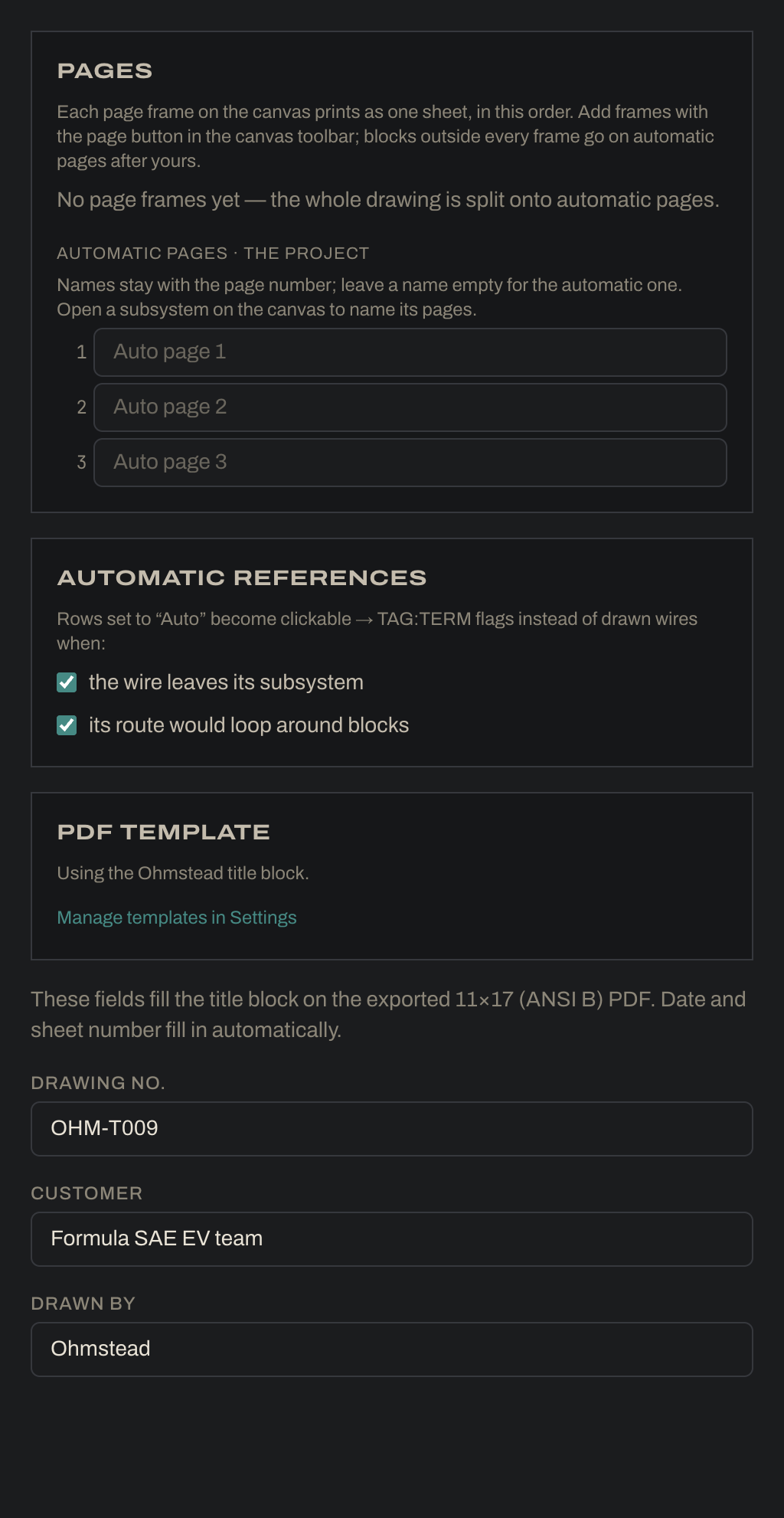
Rename any page, including automatic ones, by double-clicking its title on the canvas or in the Pages list on the Sheet tab, where you can also reorder and remove your frames. An automatic page’s name stays with its page number. Leave it empty for the default name.
Blocks sticking out of their frame get a red outline. A block bigger than a whole sheet is flagged “too big for a sheet”: split it into parts.
Wires between sheets end in flags addressed TAG:TERM /sheet.zone.
The Sheet tab: name automatic pages, set the reference rules and fill in the title block (the example uses drawing number OHM-T009).