Splitting a block
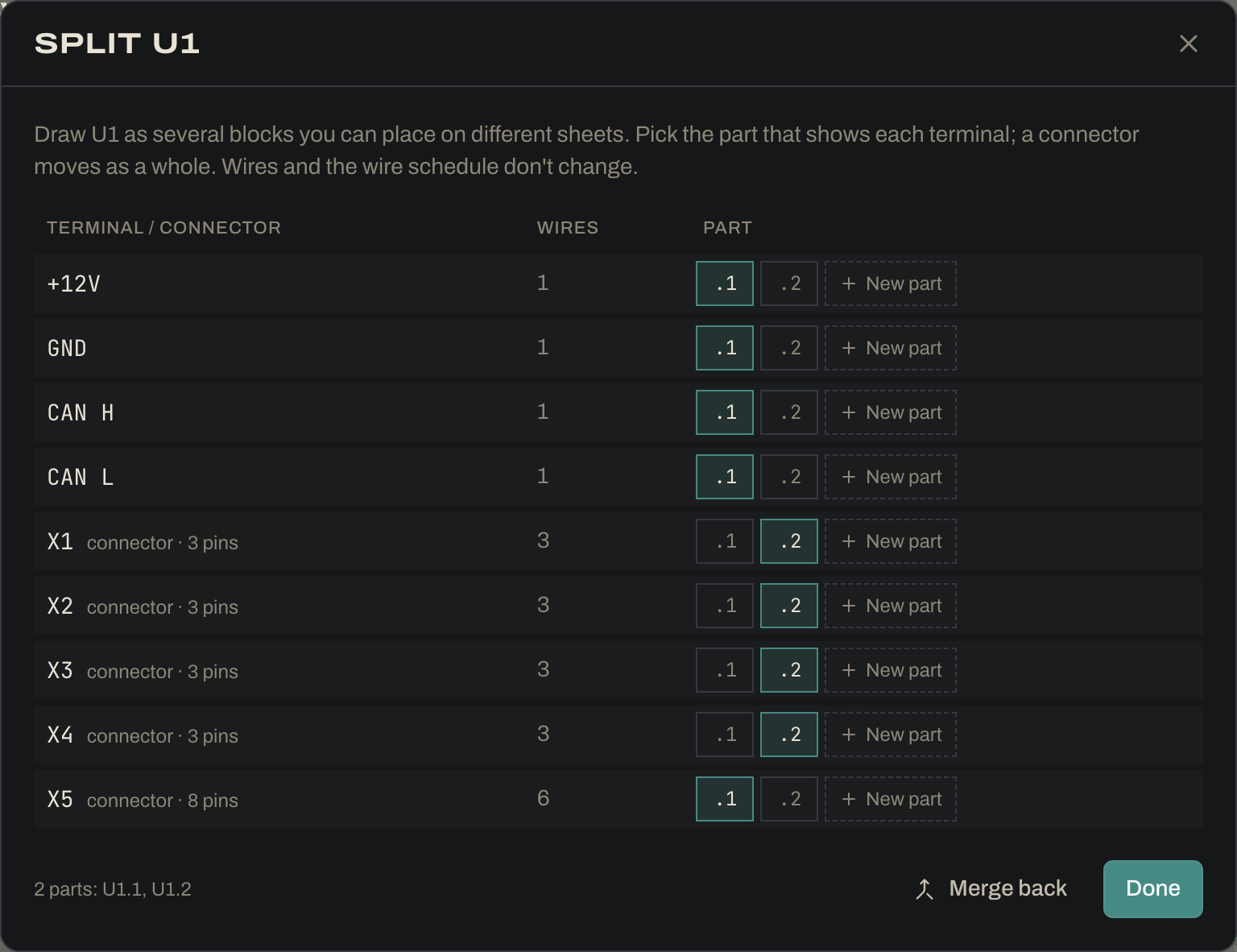
A part with many terminals can be drawn as several blocks, U1.1, U1.2…, which you place separately, even on different sheets. The example’s VCU is split this way: part 1 holds power, CAN and the rear harness X5, and part 2 holds the four sensor ports, so it can sit next to the pedal sensors.
- Right-click the block and choose Split into parts…, or click the scissors in its header.
- Pick which part shows each terminal, or New part. A connector always moves as a whole. Terminals you don’t move stay in part 1.
- Wires, cables and the wire schedule don’t change. Rows still read
U1:X1; only the drawing is split. Merge back puts the block together again. - In the PDF each part says where the others print, e.g. “Part 1 of 2 · also U1.2 /3.B4”.